Dubsado Review: Why I Choose Dubsado for My Business
By Ema Katiraee, Certified Dubsado Specialist
TL;DR: I use Dubsado in my own business because it automates the repetitive parts of my client process without taking away my ability to personalize things where it matters. It carries some of the mental load so I can focus on the parts of my business that actually need me.
I'm a Certified Dubsado Specialist, so it's probably no surprise that I use Dubsado in my own business too. But I get asked often enough, by clients and by other business owners, why I actually chose it for myself, that it felt worth answering honestly.
So this is a real look at what I actually use inside my own account, not a generic feature list, but how each piece actually shows up in my day to day.
Workflows (or Flows)
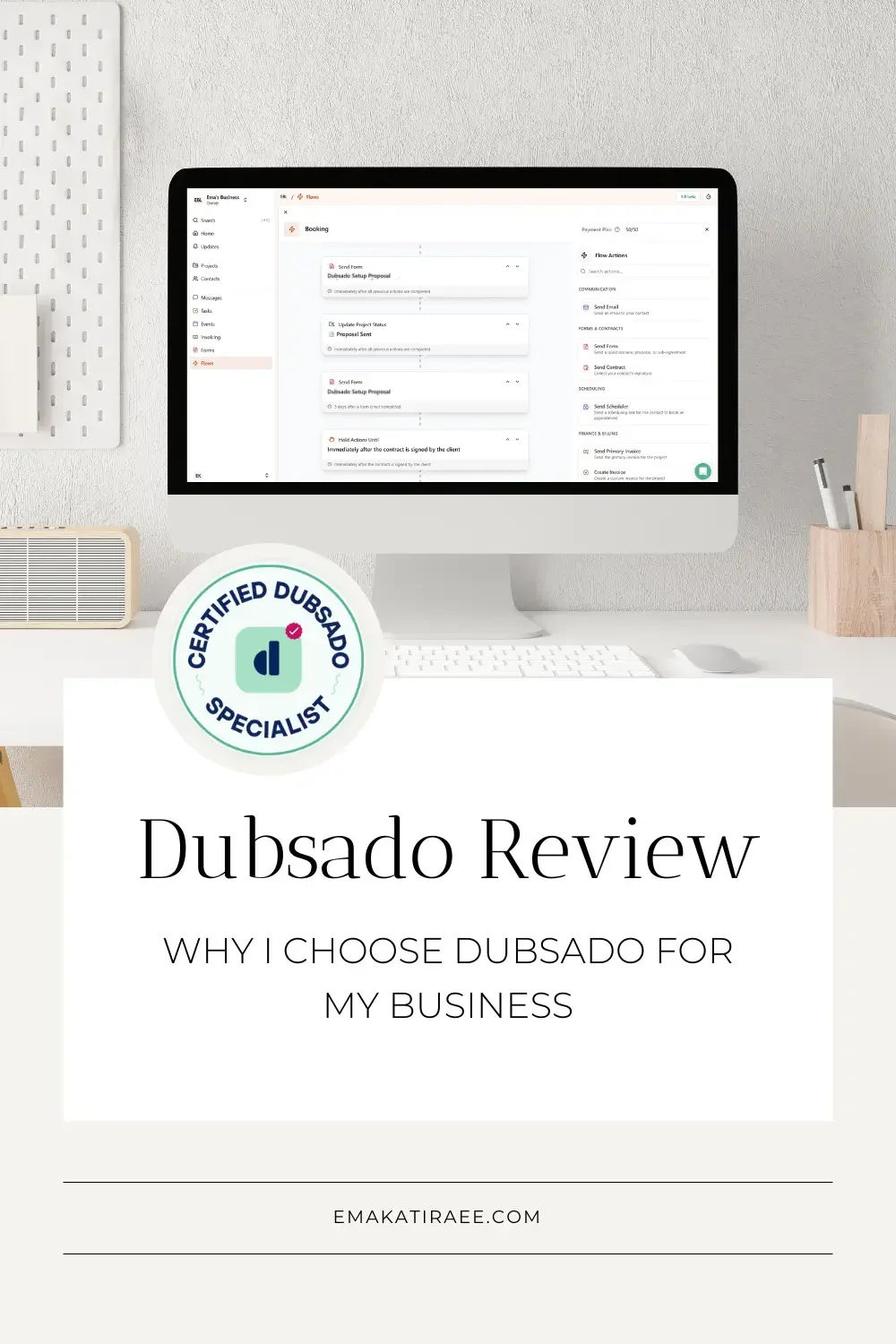
This is the piece that does the most work for me, and the thing every other feature below depends on. A workflow decides timing, tracks what's been done, and follows up automatically, so nothing sits on my mental to-do list waiting for me to remember it.
After our first call, I trigger a workflow that sends the proposal, contract, and invoice, and follows up automatically if it hasn't been submitted. Once the contract is signed and the first payment is in, it triggers the onboarding workflow on its own.
That workflow sends the strategy call scheduler and the onboarding questionnaire, and follows up if the questionnaire hasn't been completed before the call. After the call, it sends me a list of next steps so I'm not relying on memory to know what needs to happen.
From there, another workflow sends a final questionnaire to gather everything I need to build their system. Once submitted, I assign their project date and the workflow takes over from there sending the final invoice, all without me touching it.
The last one is a support workflow. After I send the offboarding call summary, it sends emails with support resources, checks in with them through their support period, and invites them to book a call or submit edits as they test things out. At the end, it sends a feedback questionnaire with the option to leave a Google review, and lets them know how to keep working with me if they want to.
Proposals (3-in-1)
My proposal, contract, and invoice go out together as one document instead of in three separate emails. The client opens one link, reviews and selects their package(s), signs the contract, and pays the invoice, all in the same sitting. I'm not sending it, waiting, sending the next thing, waiting again.
I still personalize the proposal before sending it out, things like which testimonials to include depend on the client's industry, but once it's sent, the workflow takes over. It tracks whether it's been submitted, and follows up if it hasn't.
Schedulers
There is nothing I hate more than the back-and-forth over email trying to find a time that works for both of us. It's a huge time waster. A scheduler link skips all of that. Someone picks a time that works within my actual availability, and it's booked. No "does Tuesday work?" No checking five different time zones by hand.
Sent through a workflow, a scheduler can also trigger what happens next. Once a call is booked and completed, a to-do reminds me of the next step, so that's not something I have to hold onto either.
Payment Plans
Once a client is on a payment plan, Dubsado follows up on outstanding payments on its own. I'm not sending the "just checking in on this invoice" email, and I'm not the one keeping track of who's a few days late. If a payment is missed, the system sends the first reminder before it ever lands on my plate, and I only get involved if it's still unresolved after that.
Forms & Questionnaires
Forms let me gather what I need from clients quickly, in one place, instead of chasing details down across emails. I can link a client's Google Drive folder directly inside the form, so whatever they submit lands exactly where I need it without me filing anything myself. I do the same with feedback forms, dropping a Google review link right inside so leaving a review takes one click.
The workflow takes care of the rest. It sends a reminder if a form hasn't been completed, sends the next-step message automatically once certain forms come in, and can trigger a to-do for me reminding me what to do with their answers.
Canned Emails
Canned emails are one of the biggest time savers in my whole process. My client process has steps that every person goes through in the same order, so instead of writing a new email each time, I have one ready to go for each step.
I also keep a set of one-off emails on hand for situations that come up, like following up when something's missing after a questionnaire is submitted.
Between the two, I'm almost never starting a client email from a blank page, even the ones that need a personal touch still start from something, not nothing.
The honest part
None of this is fully hands-off. There are still moments where a client doesn't complete something even after a couple of automated follow-ups, and I have to step in personally to nudge things along. Automation doesn't eliminate that. What it does is take away the mental load of tracking it. I trust that if something's been sent and followed up on, I'll know about it when it actually needs my attention, not before.
What this means for my clients
For my clients, this means going from no real system, or a mess of different tools strung together that don't talk to each other, to one system that actually works as a whole. They're not stressing about what they're forgetting or missing anymore. Things follow up on their own. And that gives them peace of mind, and lets them show up for their own clients looking like the professional they already are.
How does your client experience actually measure up?
Wondering if your client experience is actually working the way it should? Take the free quiz to find out where things stand and what to do about it.
Want This Kind of System in Your Own Business?
Everything I've described here didn't come from Dubsado out of the box. I built it, piece by piece, around how I actually want to work. That's the same process I walk clients through when I build their setup, mapping out what their business actually needs, then building a system around it instead of forcing them into a generic template.
If you're ready to stop holding things together with a mix of tools that don't talk to each other, book a call and let's talk about what that could look like for you.