
Blog Posts & Resources
Browse tutorials, guides, and resources on Dubsado, HoneyBook systems, and automation - built specifically for wedding planners, photographers, and service-based business owners who are ready to stop doing everything manually.


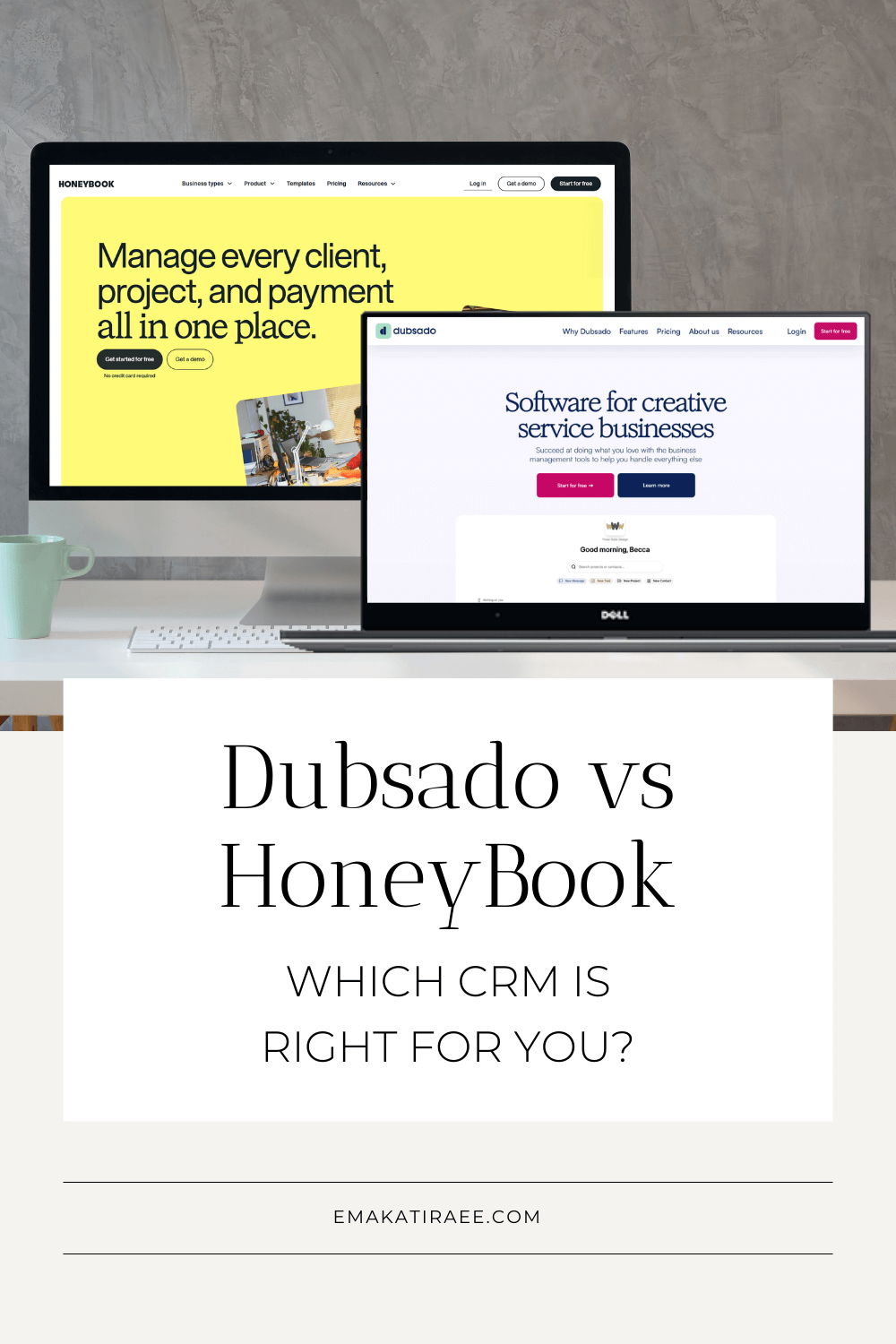

3 Ways to Add Video to Your Client Process in Dubsado
Videos are a great tool to use with leads and clients. In this blog post we’ll talk about 3 different ways to include videos in your client process in Dubsado: embedding videos in Dubsado forms, using one-time links for videos and using the re-direct URL to send leads to a page with a video.

5 Tips to Create Lead Capture Forms in Dubsado
Lead capture forms can make your client inquiry process easier. By using them, you can collect important information, save time, and increase efficiency. In this blog post, we'll explore five great tips to follow when creating lead capture forms and explain how they can benefit your business.

How to Use GIFs in Dubsado Forms & Canned Templates
If you're looking to add an extra touch of fun to your client experience, a GIF (Graphics Interchange Format) can be an excellent option. In this blog post, I'll walk you through how to use GIFs in Dubsado canned templates and forms.
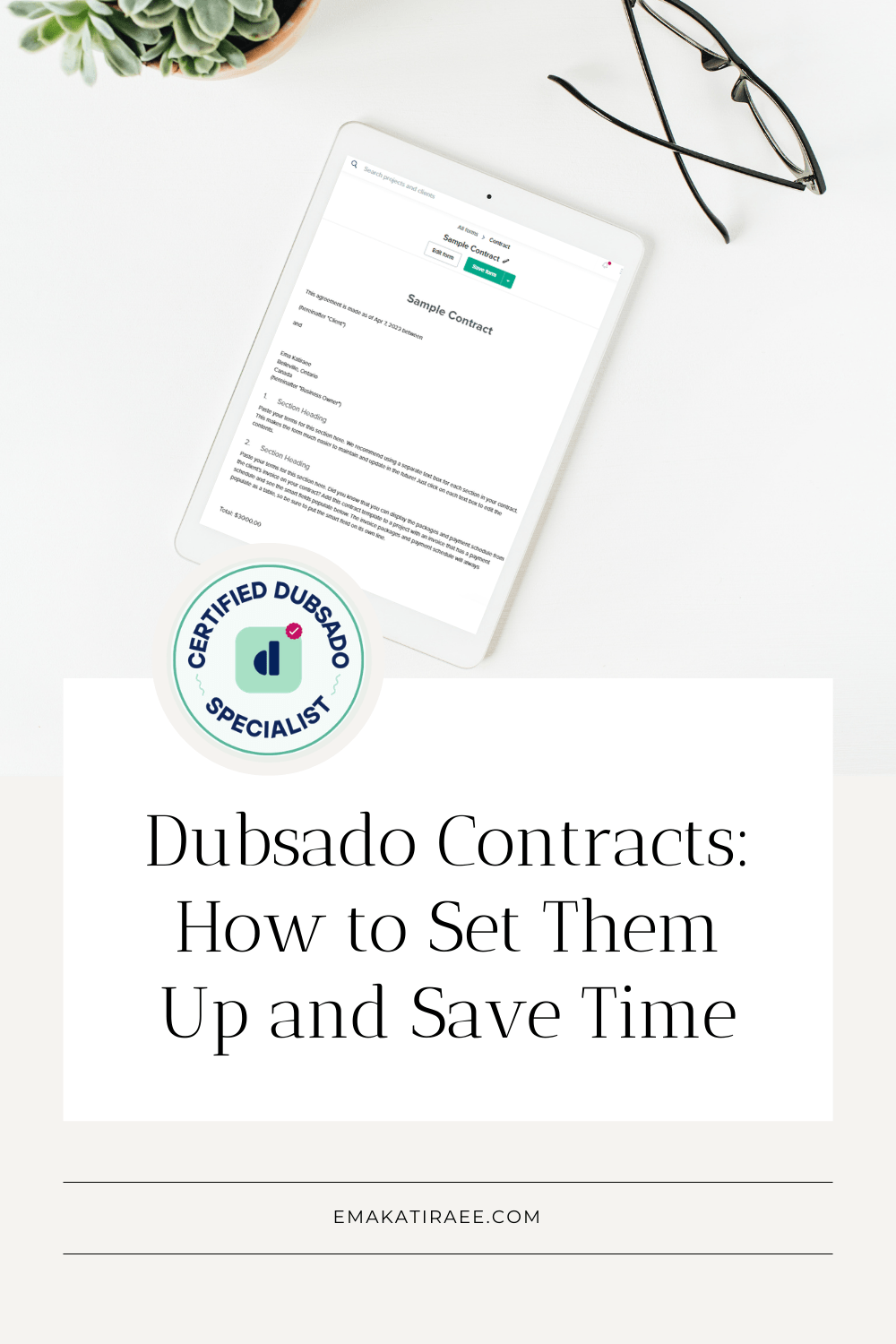
Dubsado Contracts: Collect E-Signatures and Save Time
Learn how to create and send contracts in Dubsado, connect them to proposals, and use smart fields to fill in client details automatically.

10 Cool Dubsado Features (You May Not Know About)
Dubsado has some really amazing features that lots of people know about. But there are also some features that are a bit more hidden that you may not know about. In this blog post, I go through 10 cool features in Dubsado that you may not know about

Inquiry Workflows in Dubsado - Which One is Right for You?
Inquiries are the first phase in a client process and one that Dubsado can help you automate and save time on. In this blog post, I’ll share several types of inquiry workflows to help you choose one that fits your business.
How to Add Custom Fonts to Dubsado Forms
Learn how to add custom fonts to your Dubsado forms using hosted font files, Google Fonts, or Adobe Fonts, with CSS code you can copy and paste.

Dubsado For Every Phase of Your Business
Depending on the stage you’re at with your business, Dubsado may or may not make sense for your business. I’ve broken down these different phases of building a business and which ones are a good fit for using Dubsado.
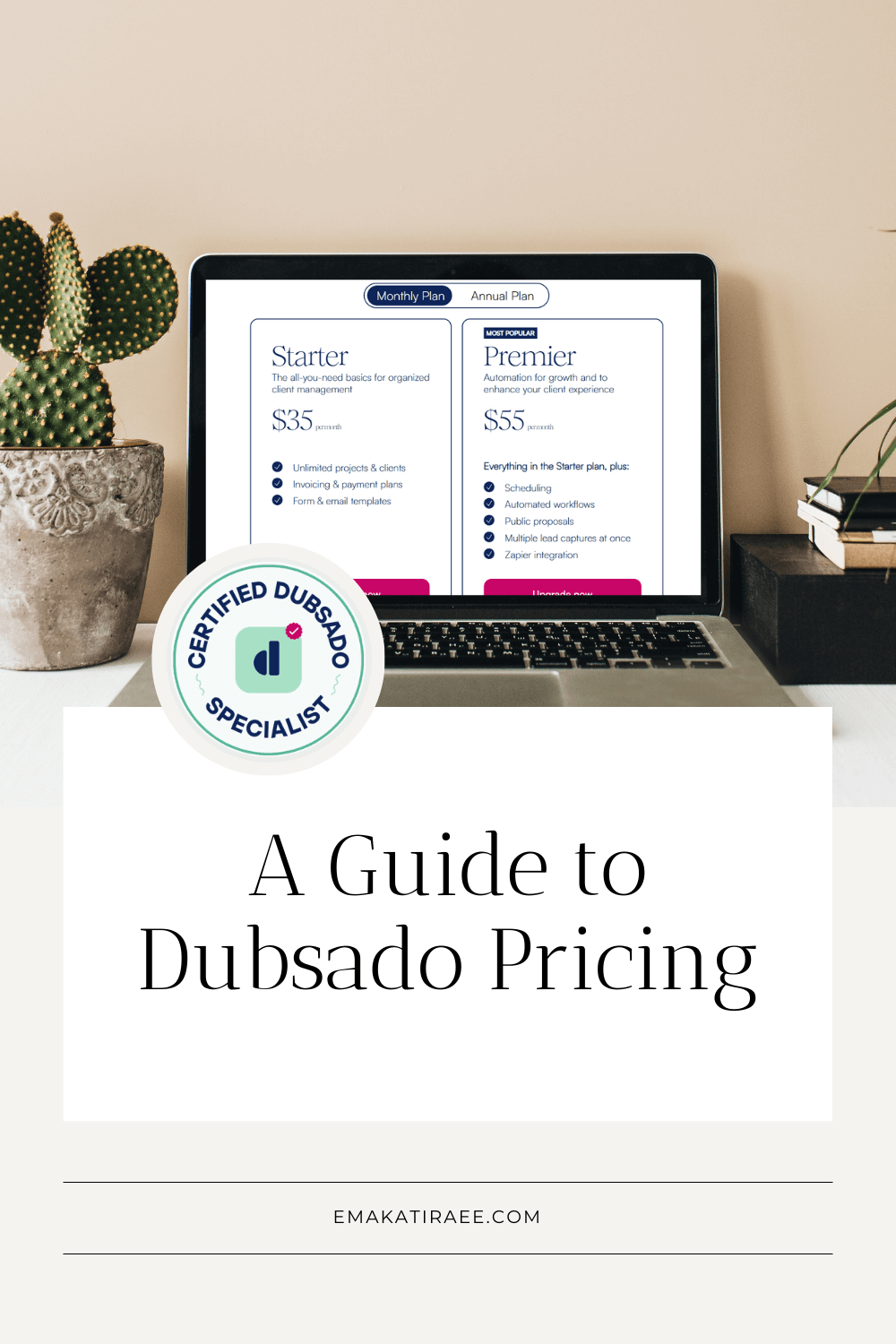
Dubsado Pricing: Starter vs Premier Plan Explained
Dubsado pricing explained: two plans, but the $20 difference is bigger than it looks. Here's what you actually get and which plan most service providers really need.

Managing Your Calendar in Dubsado
Dubsado allows you to connect external calendars so your availability can take into consideration all the events you have in your Google (or other) calendar - not just events in Dubsado.
In this blog post, I’ll go over how to connect an external calendar to Dubsado and go through the different calendar events that Dubsado creates based on scheduler appointments and projects.
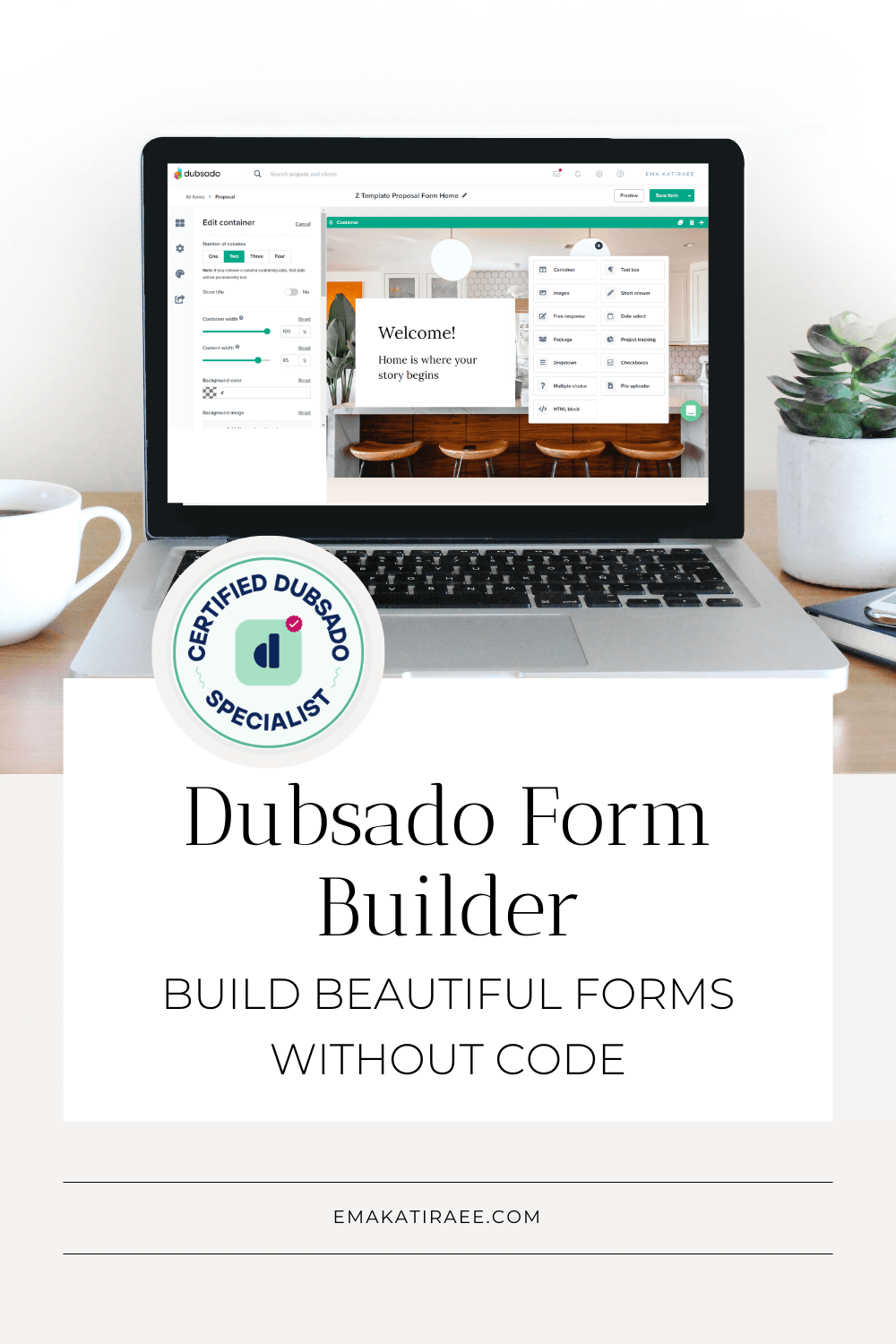
Dubsado Form Builder: Build Beautiful Forms Without Code
Dubsado's form builder lets you create beautiful, on-brand forms without CSS. Learn how containers, full-width images, and styling settings work in this complete guide.

The Most Common Workflow Mistakes in Dubsado
There are some mistakes I’ve made and seen client make with Dubsado workflows, so I decided to go through this list of the workflow mistakes to help you avoid making them.

Organizing Your Dubsado Account
Keeping a Dubsado account organized can be a bit difficult.
Duplicating templates can lead to a messy account where it’s hard to tell which templates are being used with clients and in workflows and which ones are gathering dust.
There are ways to help you organize your Dubsado account and help you save time when you’re working in Dubsado.

Managing Dubsado Workflows: Starting, Tracking, and Updating
Learn how to start, create and manage Dubsado workflows. Covers lead capture triggers, public proposals, manual activation, and the Update Project Workflows feature.
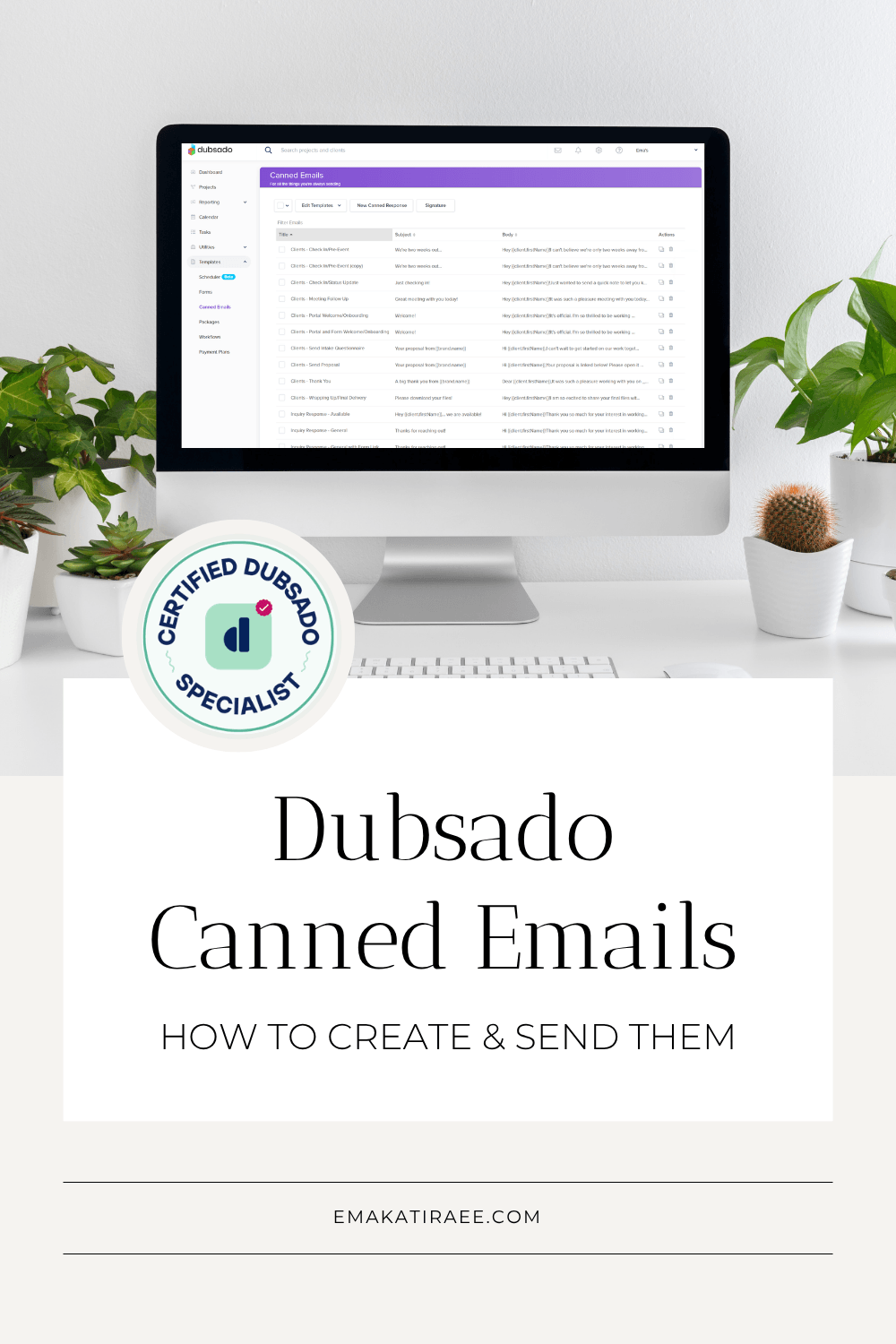
Dubsado Canned Emails: How to Create & Send Them
Learn how to create and send canned emails in Dubsado, use smart fields, include forms and schedulers, and attach files. A complete guide for service-based businesses.

Dubsado Workflows for Coaches: A Comprehensive Guide
Learn how to create workflows for your coaching business in Dubsado to help save time on backend tasks. Watch the step by step video to build all the workflows to deliver a coaching package using Dubsado PLUS download the free guide that includes all the steps in the workflow including all the canned emails!

How to Receive Payment in Dubsado
Process payment in Dubsado using Stripe, Square or Paypal. Learn how to setup a third-party payment processor in Dubsado and how to receive payment from clients.

How to Create a Questionnaire in Dubsado
Creating questionnaires in Dubsado is super easy and there are a lot of options to personalize your Dubsado forms to make it your own. In this blog post, I’ll go through how to create a questionnaire in Dubsado.

How to White Label Your Dubsado URL (Custom URL)
A cool feature inside of Dubsado is the ability to customize a elements to match your branding.
One of the elements you can customize is your Dubsado URL so it matches your domain.
In this blog post I’ll share the steps to customize your Dubsado URL.
Dubsado Scheduler: How to Set It Up Step by Step
Learn how to set up the Dubsado scheduler step by step. Configure availability, buffer time, reminders, and more to streamline your booking process.
Everything photographers need to know about Dubsado, including what it does well, where it falls short, and how it can automate your client process from inquiry to gallery delivery.